
Grab a Quote or Easily Book Skip Bins Online
Welcome to the skips.com.au booking Waste Wizard, designed to Book Skip Bins Online. This is where we will provide you with information about the competitive price of our services in your chosen delivery suburb. On this page, you can search our services for skip hire prices and the details of the services, including all the important information about the services, what is included and if there are any additional potential charges for things like skip bin permits, tipping charges, if there are and charges for things like mattresses and tyres, etc.
Our aim is to make sure you are fully informed about your hire and that you can share that information with others, say if you are organising a skip bin for someone else.
How to find the skip bin services
Finding the skip bin services you want is simple here. All you have to do is begin to type the name of the delivery suburb in the first field below (as shown to the right). When your delivery suburb appears in the drop-down list, click on the suburb to confirm it. Next, select the type of waste that you have for disposal from the list that appears when you click on it. Now select the volume of waste (or bin size) that you think you will need. Finally, click on the blue search button to retrieve your shortlist of skip bin services
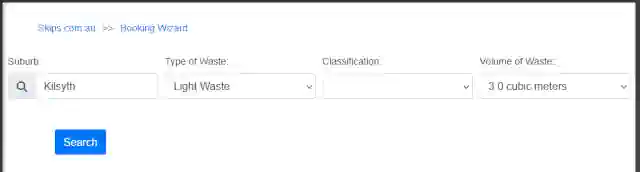
Book Skip Bins Online Using the Form
Review Shortlist of Skip Bin Options
This short list shows the prices of the bins and a description of the services. For each entry, there is a calendar showing delivery availability for that bin. The summary for the bin also shows if there are any tipping fees included in the price, the standard hire period for the bin, and any additional charges that apply for the service (for items like mattresses and tyres). For more information about the service, click on the photo or the title of the service.
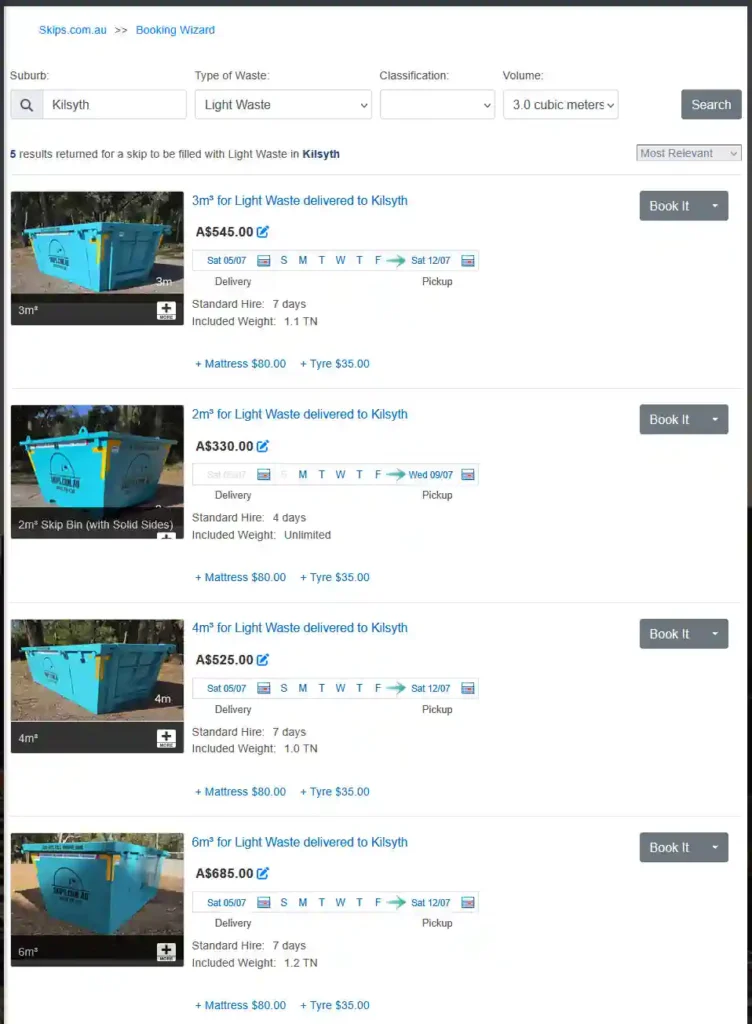
Find more detail on Skips Service
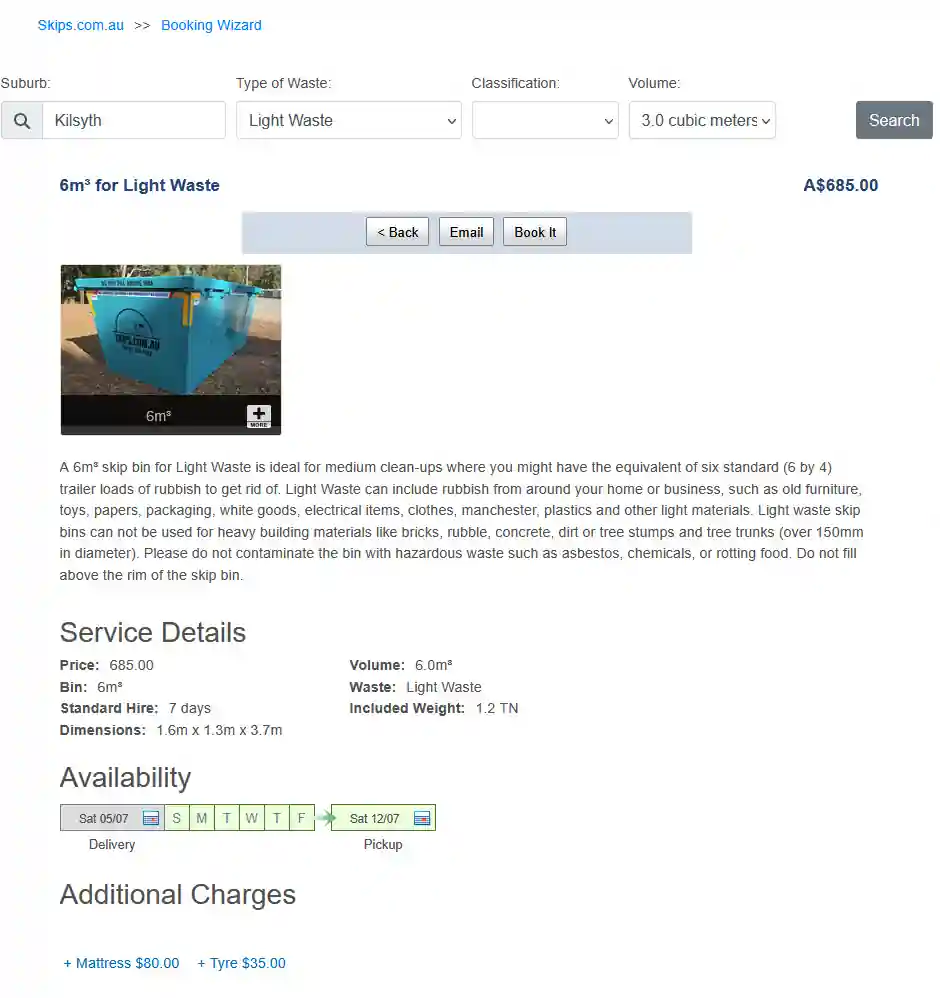
From the Search Results Screen, you can find out more about each of the skip hire services by clicking on the title or image of the skip bins, and the screen below will be displayed.
The detailed screen gives you a description of the service. The Service Details are shown to highlight the important attributes of the service, like the dimensions of the skip bin and the amount of tipping fees included in the price of the skip bin. From here, it is possible to Grab A Quote or Book A Skip Bin (read sections below for more information).
you can email details of the service to yourself or anyone who is seeking information about our services, like family, friends, or colleagues. Click on the Email button and fill in the fields in the dialogue box, then click the button to send. To book the skip bin, click on the button that says Book It.
Grabbing A Quote for Family, Friends or GettingWork Colleagues
Sending information about each skip bin hire service to yourself, a family member, friend or work colleague is easy. All you do is click on the Email button (as hihlighted in the screen snip below):.
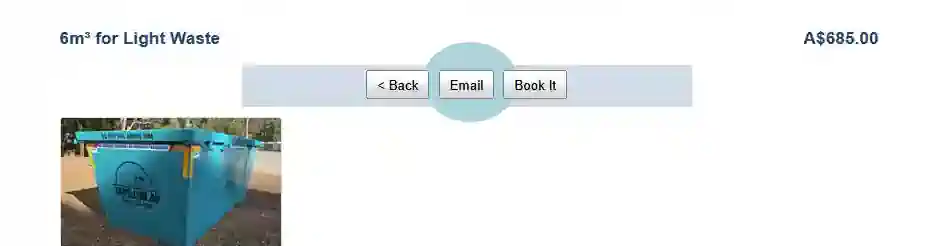
When clicking the email button, the pop-up panel appears so you can complete the “Email a Services Details”
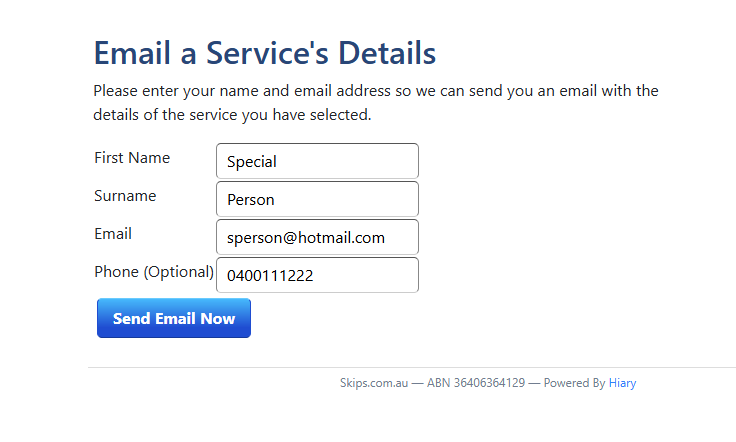
Fill in the fields in the dialogue box, then click the button to send the Email now.
Booking Skip Bin Hire over the Internet
You can book your skip bin by clicking the “Book It” button on either the search result page or the Skip Bin service detail page.
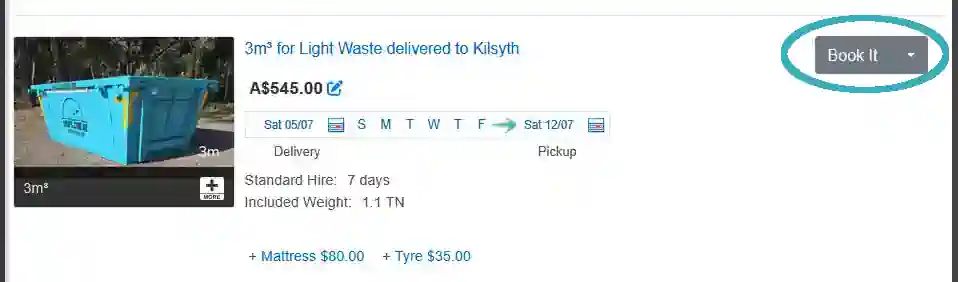
On the first of the booking screens, you can enter the delivery and pick-up dates for the service that you want. You can also add a reference, work-order number, or purchase order number to the booking. It is possible to add a file of information, like a map or even an official purchase order.
If you know you are going to put things like mattresses in the skip bin, you can check the box to add items to the order. Next, you enter the street address for the bin delivery. Start typing the address, and while you are typing, a list of potential matches will appear. When you see your address, click on it to confirm we have the correct address. Now click on the next button so you can add your personal details.
Adding Payment Preference to the Skip Bin Booking
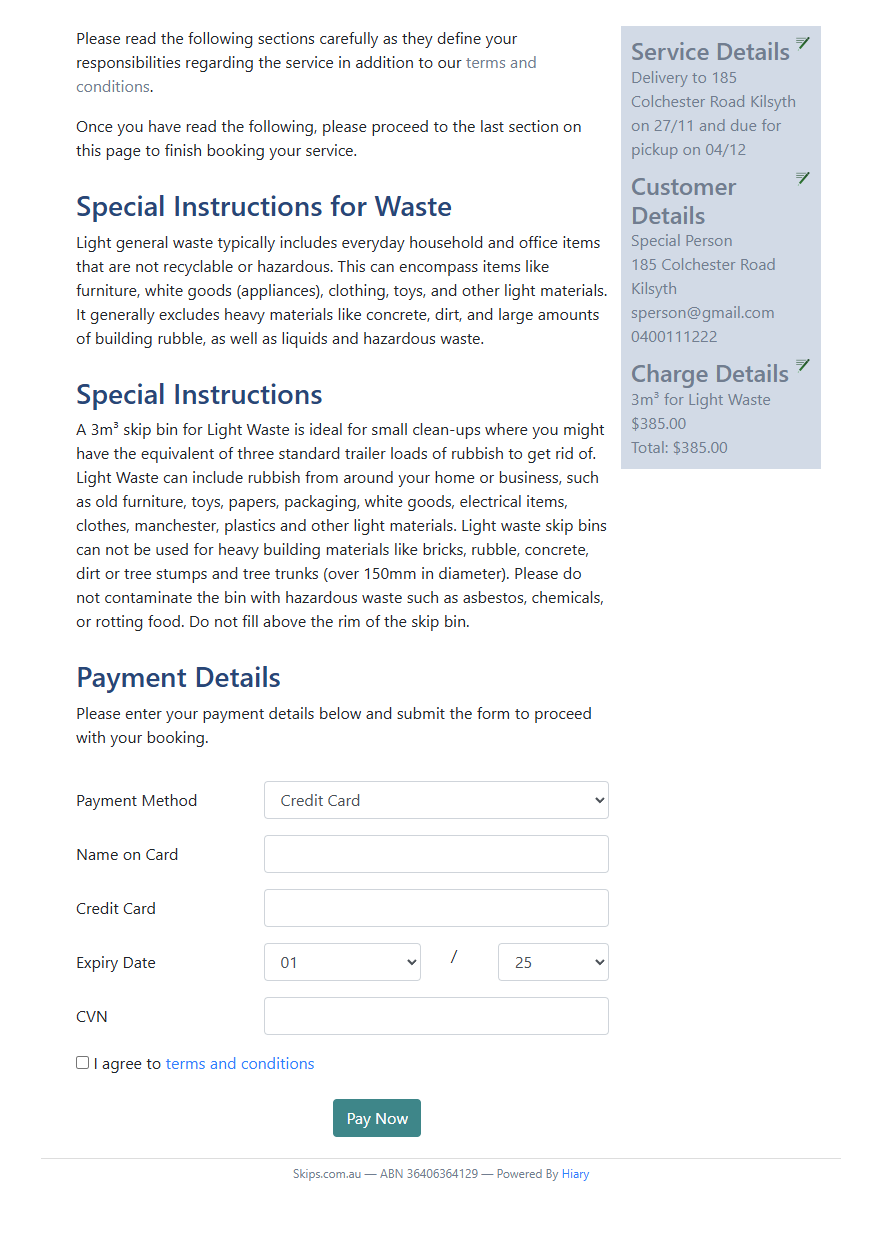
The last step is to select your payment preferences. You can select whether you want to pay by Card, Cash On Delivery or by Direct Deposit. Select your Payment Method and then complete the required information. Check the tick box that shows you have accepted skips.com.au terms and conditions. Click the Pay Now button.
Why Book Skip Bins Online at skips.com.au
The booking created in the Book Skip Bins Online page skips.com.au, immediately appears in the SKIPS’ operational system, ready to be dispatched to your delivery address on the day that you requested.
This means you can rest assured your booking is not lost in a faceless email queue; it is visible to the whole team at skips.com.au immediately. At the same time skips.com.au will send you confirmation of your skip bin hire booking by both SMS and email if you have supplied a mobile phone number and or an email address. So shortly after your booking is visible to the staff in our team, you will receive our confirmation with all our contact details and confirmation of your requested booking.
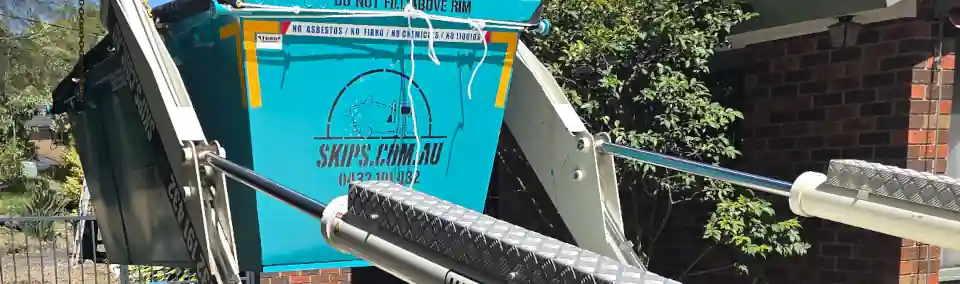
Book Skip Bins Online Now at skips.com.au
If you have reach this end of our Book Skip Bins Online page you should be ready to book or you need to speak with one of our friendly staff to help you with a question. You only need to know your delivery suburb, size of skip bin and waste type.